Oracle® Insurance Policy Administration 9.6.0.0 E35883-01
Each time a change is made to a suspense record OIPA writes a history file that tracks that change. All history records are stored in the AsHistory and AsHistoryDetails tables.
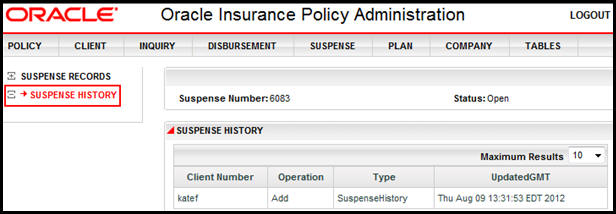
Suspense History can be viewed in OIPA when a suspense record is open. A Suspense History link in the Left Navigation menu provides access to the history for that record. All changes made to that record will display. Each history record will show the following details:
log-in ID (client number ) of the person making the change
the type of change that was made (operation)
the type of record that was updated
a date and time stamp (Updated GMT)
Suspense History Link in Left Navigation Menu
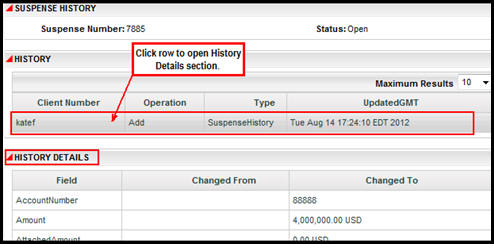
Suspense History with History Details
Copyright © 2009, 2013, Oracle and/or its affiliates. All rights reserved. Legal Notices